Actus / Security & deployment

Your network, your identity provider.

Sign in the way your organization already does, control access per project, and run Actus on infrastructure you own, down to an air-gapped host.

01 / Sign-in

Five ways in.

Use local accounts, an LDAP directory or Active Directory, OpenID Connect, SAML 2.0 or smart card certificates. For a directory, Actus binds with a DN template or finds users through a service account, tests the connection, and keeps group memberships current with a scheduled sync; groups map to project roles. OpenID Connect works with any issuer, including Centrum, where one Centrum session signs you into Actus, NexusRM and Lucent. SAML runs as a service provider with published metadata, and CAC/PIV certificates map to existing active users.

  • LDAP and Active Directory with group-to-role mapping
  • OpenID Connect including Centrum, and SAML 2.0
  • Smart card sign-in with Online, Offline or NoCheck revocation
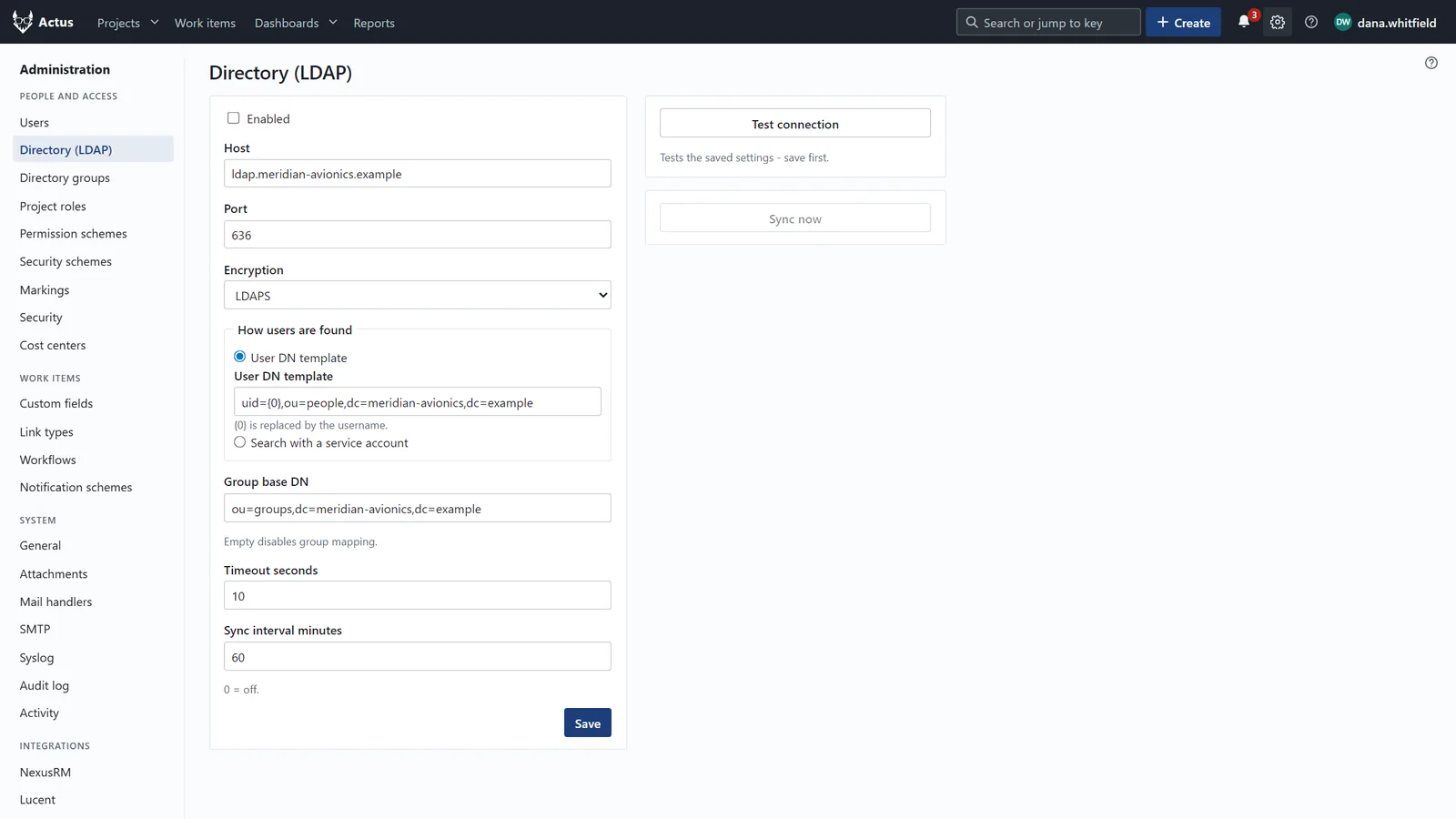
Directory (LDAP) administration page with host ldap.meridian-avionics.example, LDAPS port 636, a user DN template, a group base DN and a sync interval of 60, saved with Enabled unchecked
02 / Roles & permissions

Server-side on every request.

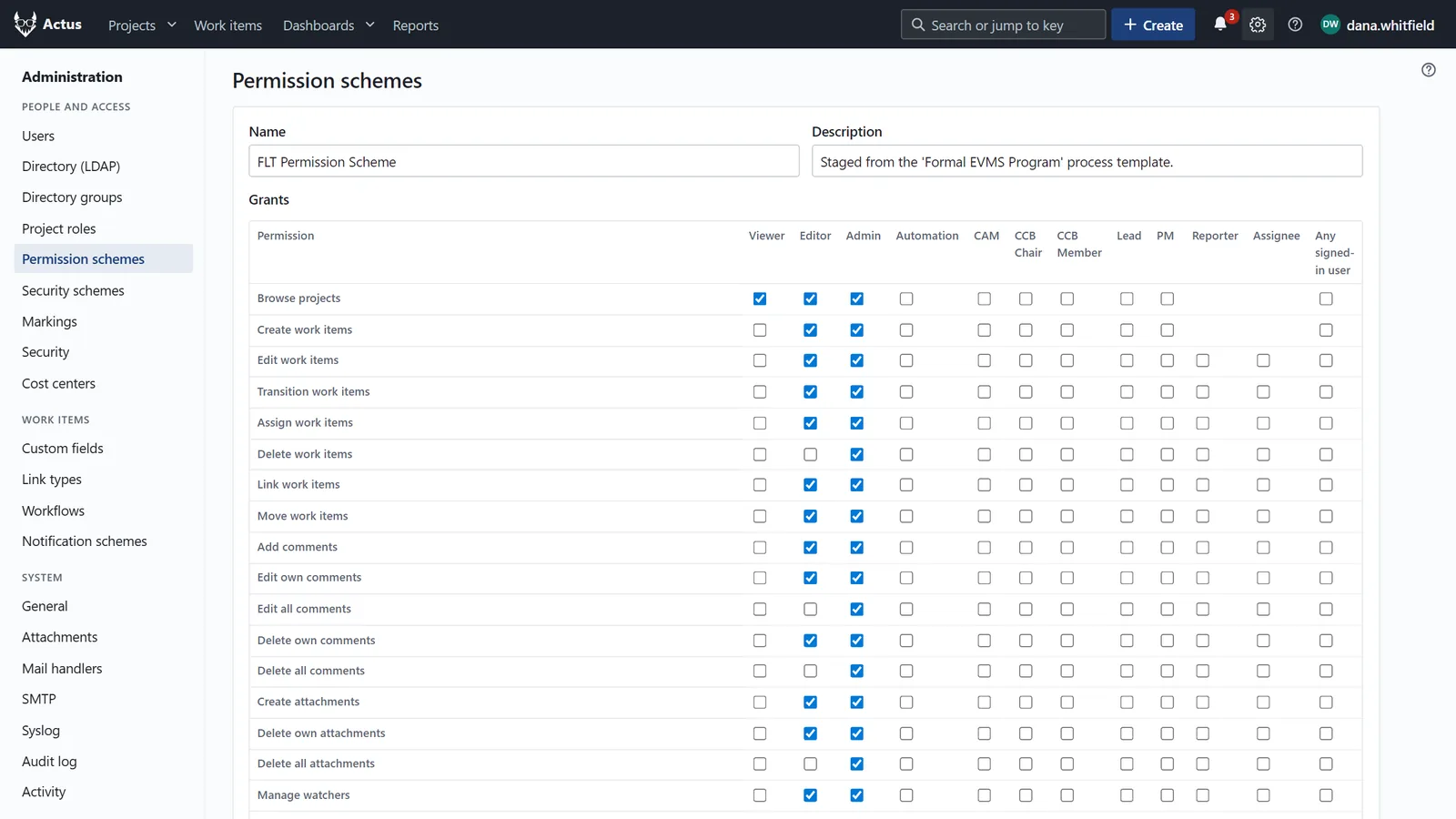
Every request is checked against the project’s permission scheme. People hold one or more project roles: Viewer, Editor and Admin, plus the governance roles Lead, PM, CAM, CCB Member and CCB Chair, and roles you define. A scheme is a grants matrix of permissions against roles, directory groups and named users, shared by any number of projects. Security schemes restrict single items to named levels, and data markings put a banner on pages, exports and printouts.

  • Permission schemes shared across projects
  • Security levels that hide items from non-members
  • Data markings with banner text, color and precedence
Permission schemes page showing the FLT Permission Scheme staged from the Formal EVMS Program template, with a grants matrix of permissions against the Viewer, Editor, Admin, Automation, CAM, CCB Chair, CCB Member, Lead, PM, Reporter, Assignee and Any signed-in user columns
03 / Electronic signatures

Re-authenticate to sign.

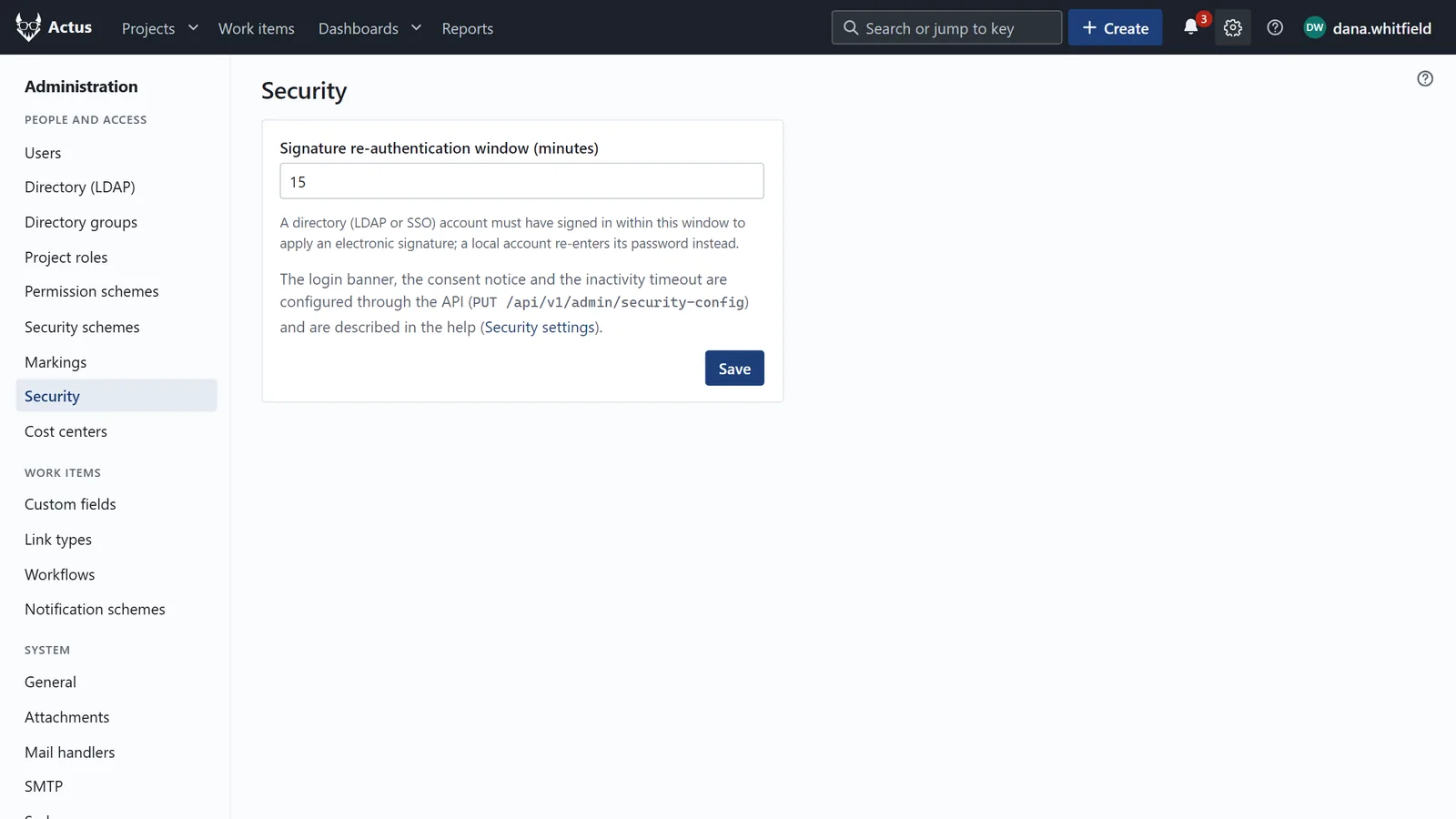
Work authorization sign-offs, CCB votes and dispositions, and containment and corrective action sign-offs are electronic signatures. A local account re-enters its password. A directory account must have signed in within a window an administrator sets between 1 and 120 minutes. An API token can sign only if it was created with the sign scope. Each signature stores the signer, role, time, meaning and method.

  • Password re-entry for local accounts
  • Configurable re-authentication window for directory accounts
  • Sign scope required for API tokens
Security settings page with the signature re-authentication window set to 15 minutes
04 / Operate

Audit it. Run it anywhere.

Audit log

Hash-chained and verifiable

The audit log is append-only and each entry is hashed to link it to the one before. Verify chain recomputes it and names the first broken entry; filter by project, user, action or time and export to CSV or JSON Lines.

FIPS mode

PBKDF2 passwords

In FIPS mode new password hashes use PBKDF2-HMAC-SHA256 instead of Argon2id. FIPS operation also needs a host kernel in FIPS mode and a runtime image whose OpenSSL 3 FIPS provider is CMVP-validated; Actus does not ship its own cryptographic module.

Air-gapped

Offline install bundle

The bundle holds the application and PostgreSQL image tarballs, the compose file and a checksum manifest. Load the images, set two passwords and start; no registry or internet access is needed, and the deployment makes no outbound connections of its own.

Topologies

Compose, HA or Helm

Run a single-node Docker Compose stack of the application and PostgreSQL 16, a two-node HA compose stack behind an nginx load balancer, or the Helm chart on Kubernetes.

Database

Standby and point-in-time recovery

Add a streaming PostgreSQL standby with manual failover, or WAL archiving to recover to any moment between base backups.

Attachments

Local volume or S3

Keep attachments on the application volume, or in an S3-compatible bucket on your own network.